
Colorado County Warrant Records Search
Colorado County warrant records are stored at the courthouse in Columbus, Texas. The Sheriff's Office tracks all active warrants while the County Clerk and District Clerk keep the underlying case files. This county in southeast Texas uses the 25th Judicial District Court for felony matters. You can look up warrant records by calling the sheriff or going to the clerk offices in person. State tools from the Texas DPS also let you run background checks that pull in Colorado County data. Most criminal records here are open to the public, and the courthouse staff can help you find what you need during normal business hours.
Colorado County Overview
Colorado County Sheriff Warrant Records
The Colorado County Sheriff's Office maintains all active warrants for the county. They track warrants from every court level and can tell you if one exists for a specific person. You can reach them at 979-732-2536 during business hours. In-person visits to their office in Columbus are also an option.
Warrants from Colorado County show the defendant's name, the criminal charges, bond amount, issuing court, and current status. The Sheriff's Office executes warrants, works with other agencies on fugitive cases, and handles extradition when needed. All warrant data is public under Texas Government Code Chapter 552. You don't need to give a reason to request it.
| Office | Colorado County Sheriff's Office |
|---|---|
| Phone | 979-732-2536 |
| Hours | Monday through Friday, 8:00 AM to 5:00 PM |
| Website | coloradocountysheriff.com |
Note: Hours may shift on holidays so call ahead to confirm. The clerk can help with old cases too. Fees may change so ask first. You can also check the Colorado County website for current office hours and contact details before you visit.
Searching for Warrant Records in Colorado County
Start with the Sheriff's Office. A phone call with the full legal name is the fastest way to check. You can also go to the courthouse in Columbus and ask the clerk to search their system.
The Texas DPS criminal history portal runs statewide searches that include Colorado County. This tool shows arrests, convictions, and open warrants from all 254 Texas counties. A small fee applies. The DPS Crime Records page lays out the requirements and explains what the search results contain.
The Colorado County District Clerk holds felony case files from the 25th Judicial District Court. Records include indictments, plea deals, sentencing orders, and case dispositions. The County Clerk keeps misdemeanor records, civil cases, and property filings. Both let you search by defendant name or case number.
Colorado County Warrant Issuance Process
Every arrest warrant in Colorado County must be signed by a judge. Chapter 15 of the Texas Code of Criminal Procedure sets the rules. The warrant names the person, describes the crime, and carries a magistrate's signature. Once it goes active, any peace officer in the state can serve it.
The District Attorney handles felony prosecution. They work with law enforcement on investigations and present cases to the grand jury. The County Attorney takes care of misdemeanor cases and juvenile matters. The Justice of the Peace courts issue warrants for Class C misdemeanors like traffic tickets and minor ordinance violations.
Constable Warrants in Colorado County
The Colorado County constable precincts serve civil process and execute warrants within their areas. Constables handle citations, subpoenas, protective orders, and eviction notices. They coordinate closely with the Sheriff's Office on warrant service.
If you need to check whether a warrant has been served in a specific part of Colorado County, the constable for that precinct can help. Each precinct covers a set area and keeps its own records of process served. You can reach the constable offices through the main courthouse phone line in Columbus. They can also tell you if civil process has been completed for a case you are tracking.
Statewide Tools for Colorado County Warrants
The Texas DPS runs the main criminal records database for the whole state. The Texas Department of Criminal Justice has records on current and former state inmates. If someone with a Colorado County case went to prison, their file is in that system.
The Office of Court Administration oversees courts statewide and can point you to the right records. The Attorney General's Office handles some public records requests and runs victim notification programs. Standard copy fees at most clerk offices are $1.00 per page. Certified copies cost more as set by state law.
Colorado County Warrant Legal Standards
All warrants in Colorado County must follow Texas law. Chapter 15 of the Code of Criminal Procedure requires every warrant to name the accused, list the offense, and carry a magistrate's signature. The 25th Judicial District Court in Columbus handles felony cases. The county court processes misdemeanor warrants.
Colorado County sits between Houston and San Antonio along the Interstate 10 corridor. The courthouse in Columbus is where you go for in-person warrant checks. Copy fees run $1.00 per page for standard copies. Certified copies cost more based on state rates. If you want to search from home, the DPS criminal history search covers all Texas counties. The Texas Department of Public Safety runs that system. Under Chapter 552 of the Government Code, most Colorado County warrant records are public and can be viewed by anyone unless sealed by court order.
Nearby Counties
These counties are next to Colorado County. Check the county where the offense happened if you are not sure where a warrant was filed.
Below is a view of the Texas DPS Criminal History search portal used to find warrant and arrest records across all Texas counties including Colorado County.
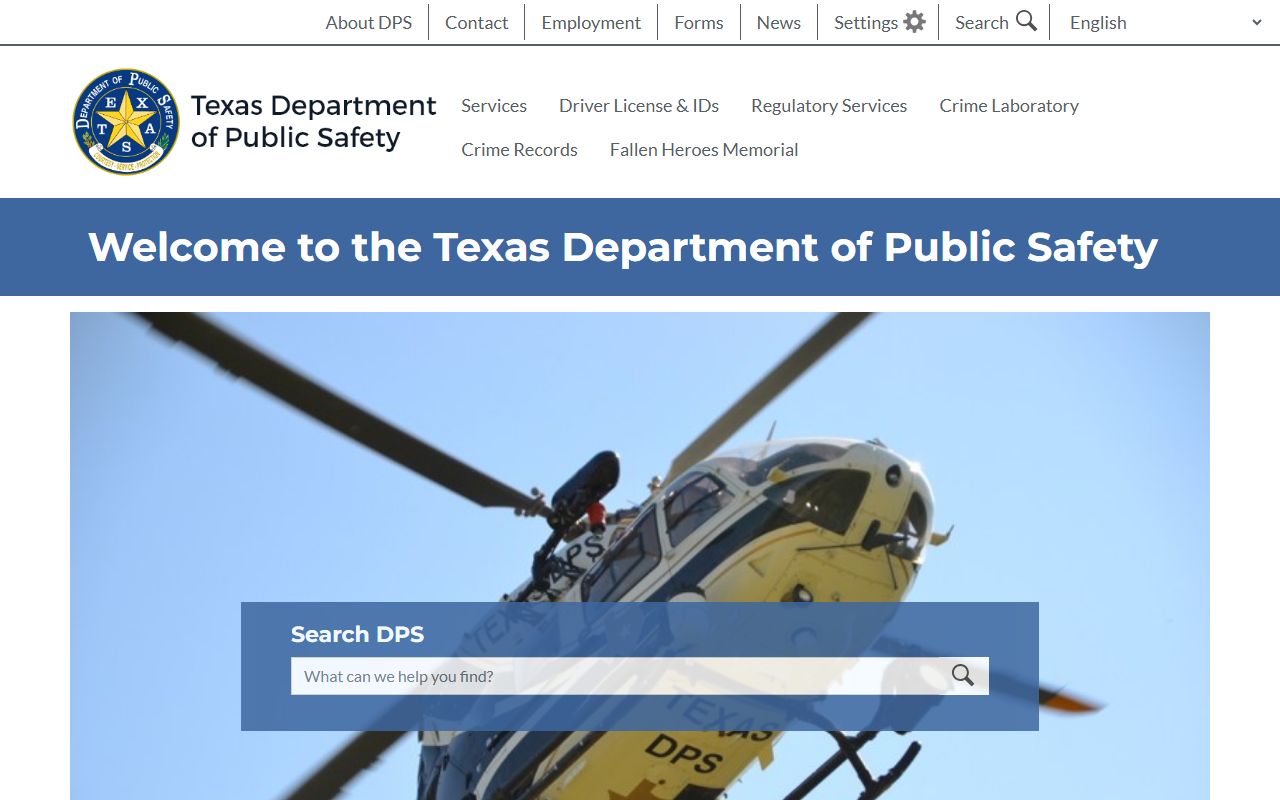
This tool lets you search by name for criminal records and open warrants from Colorado County and every other county in the state.